Closed
The full game on the outer screen. Fold it shut in the middle of a patrol and carry on.
Coming soon to iPhone, iPad & iPhone Duo
Silent Service Command
Take command
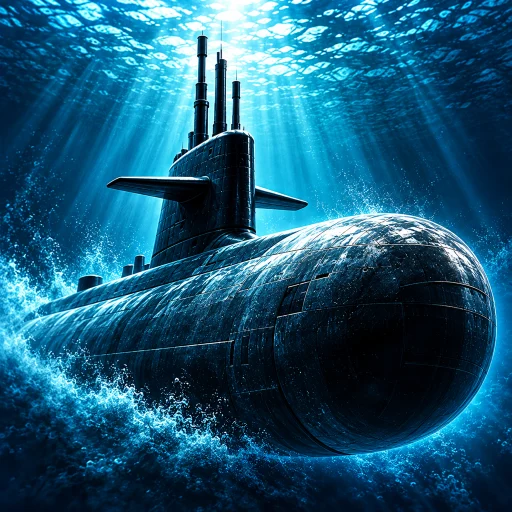
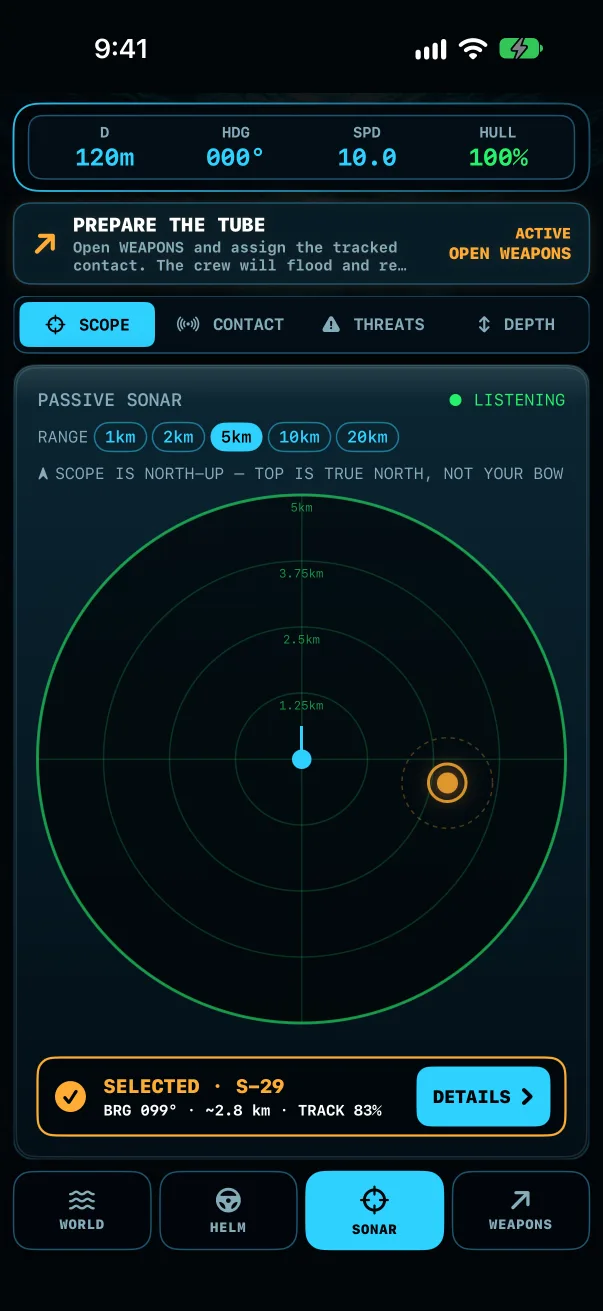
Triton Dark puts you in command of a submarine. Find contacts on sonar, move into position, decide when the shot is good enough, and bring your boat home.
Speed makes you easier to hear. Depth keeps you hidden. Every patrol is a balance between patience and the chance to strike.
Up close
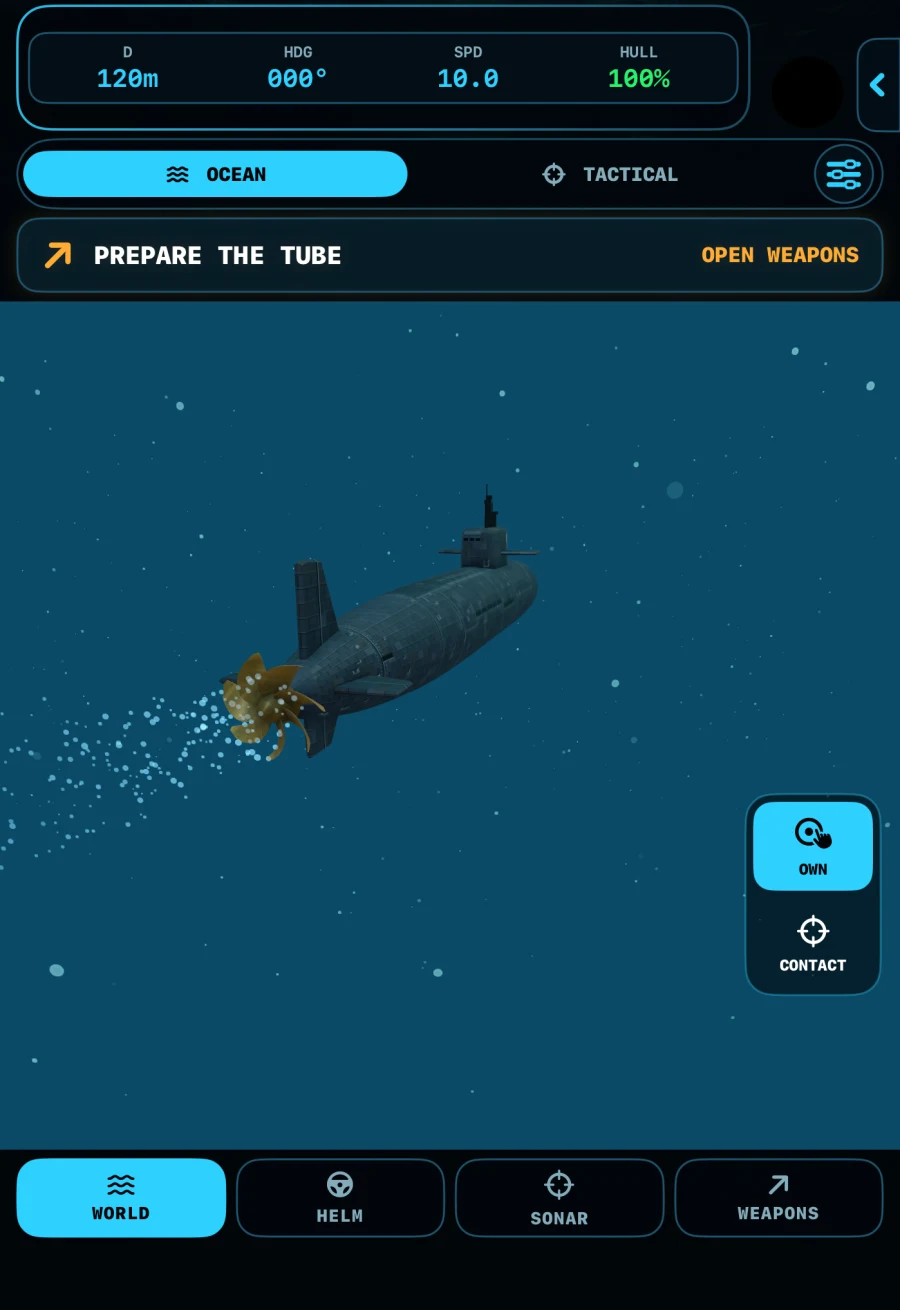
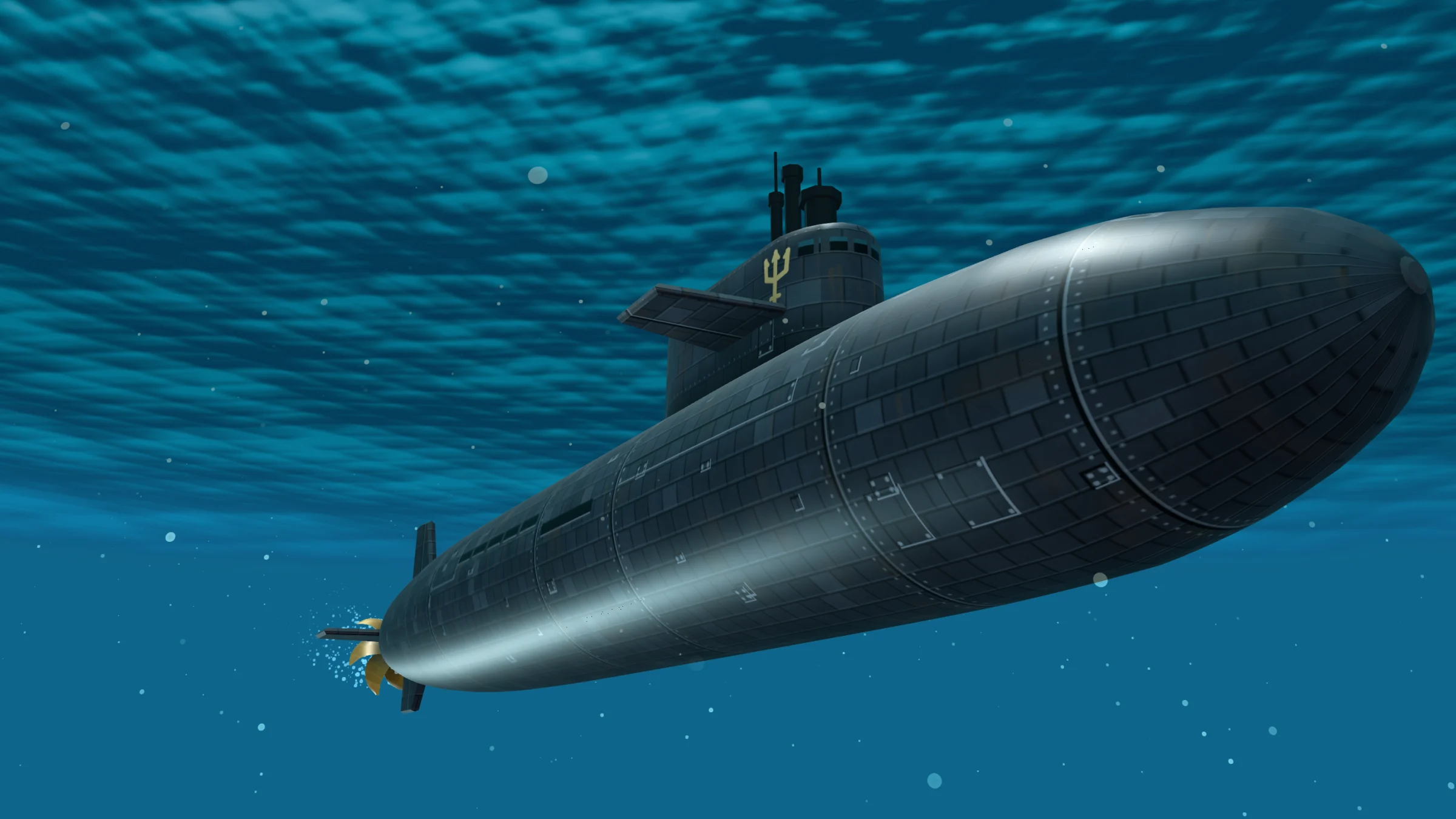
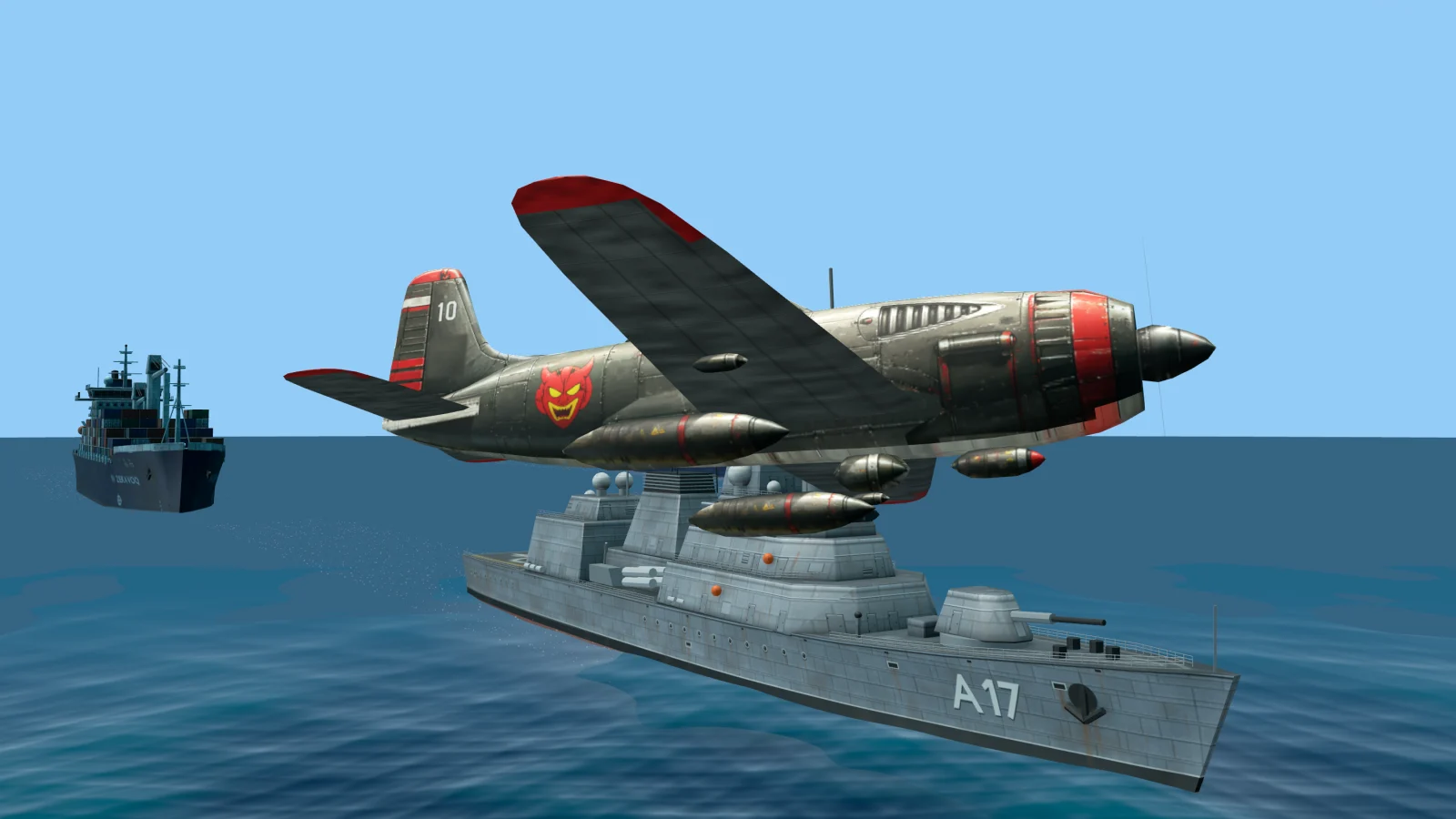
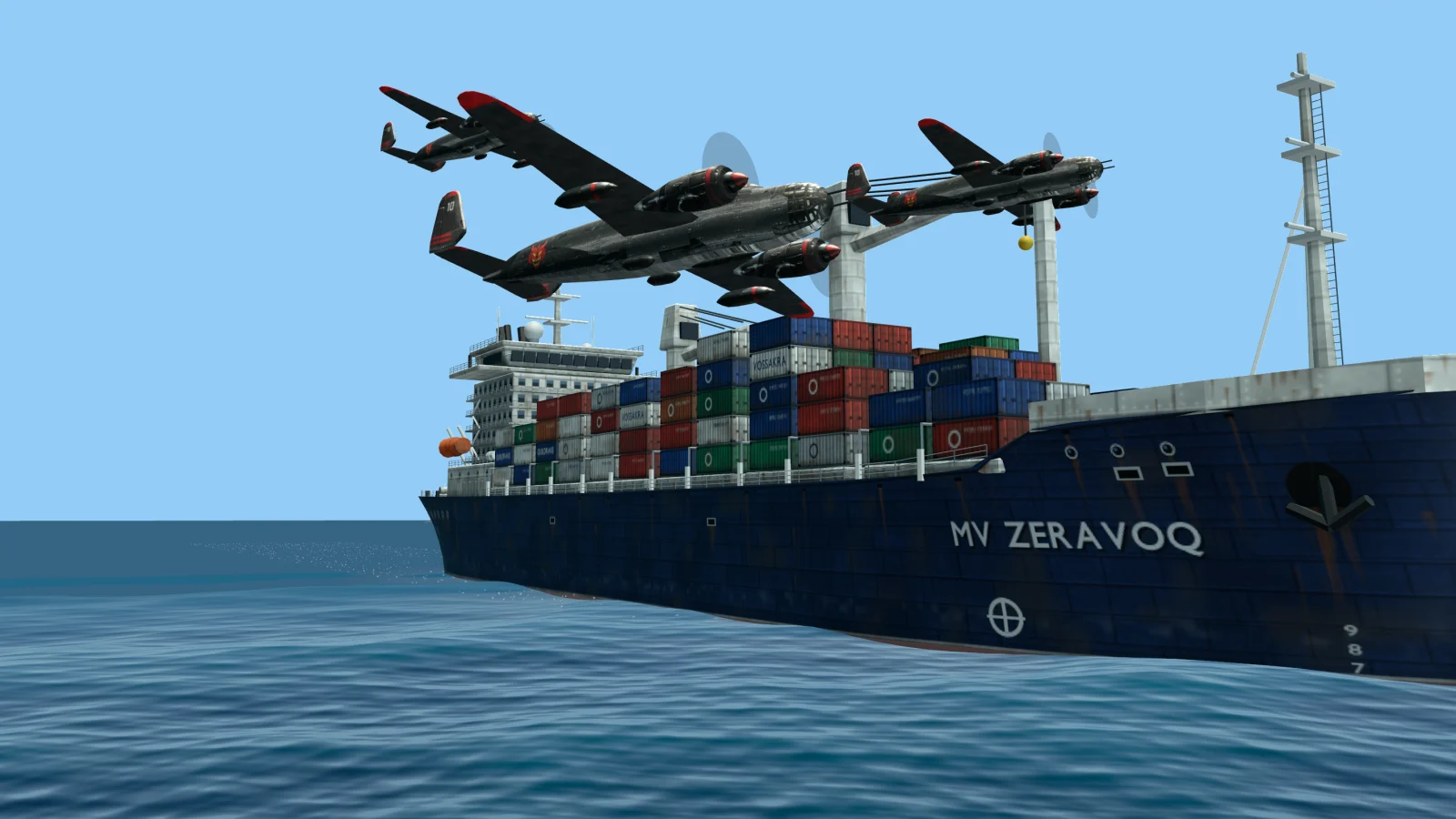
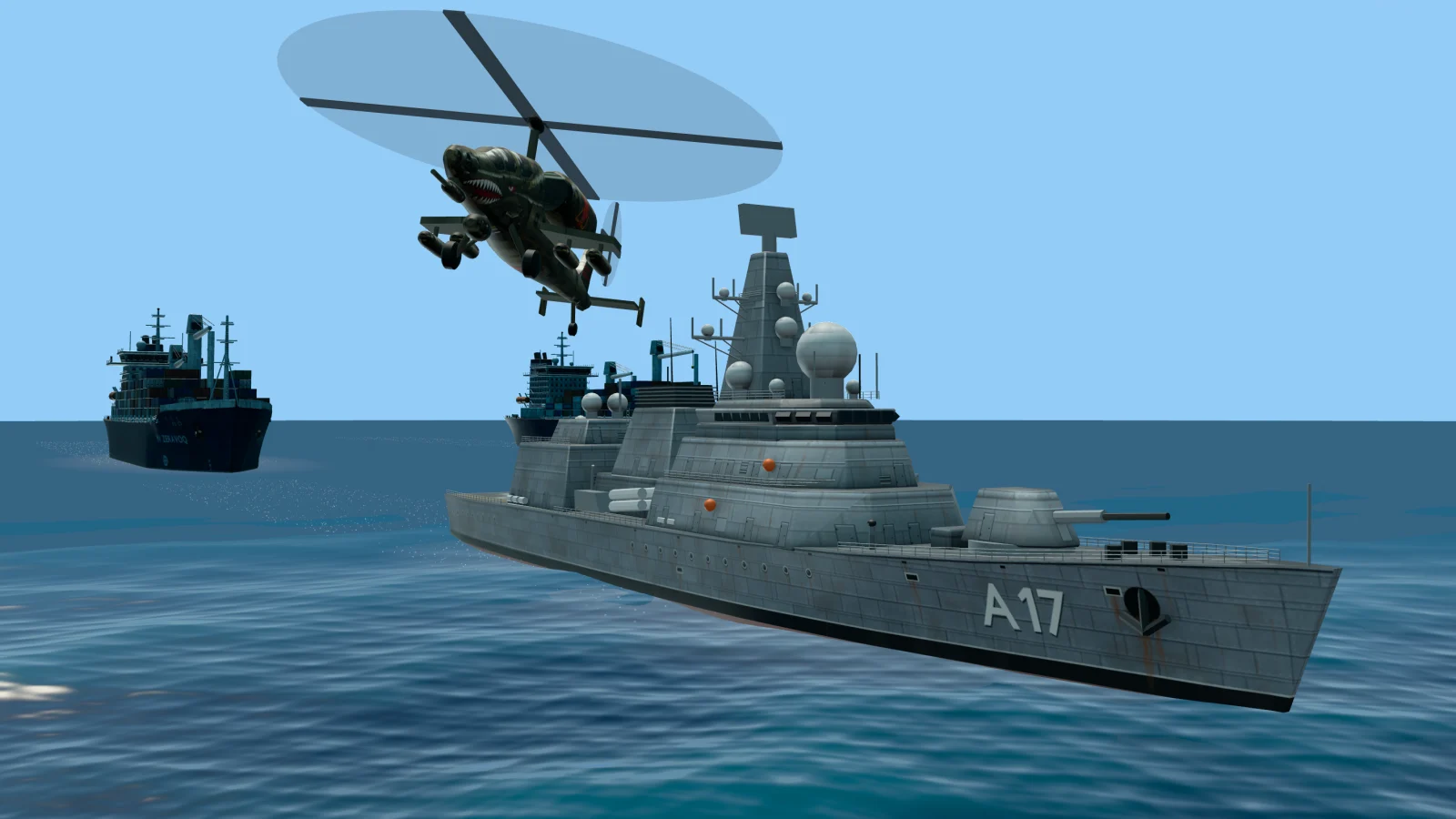
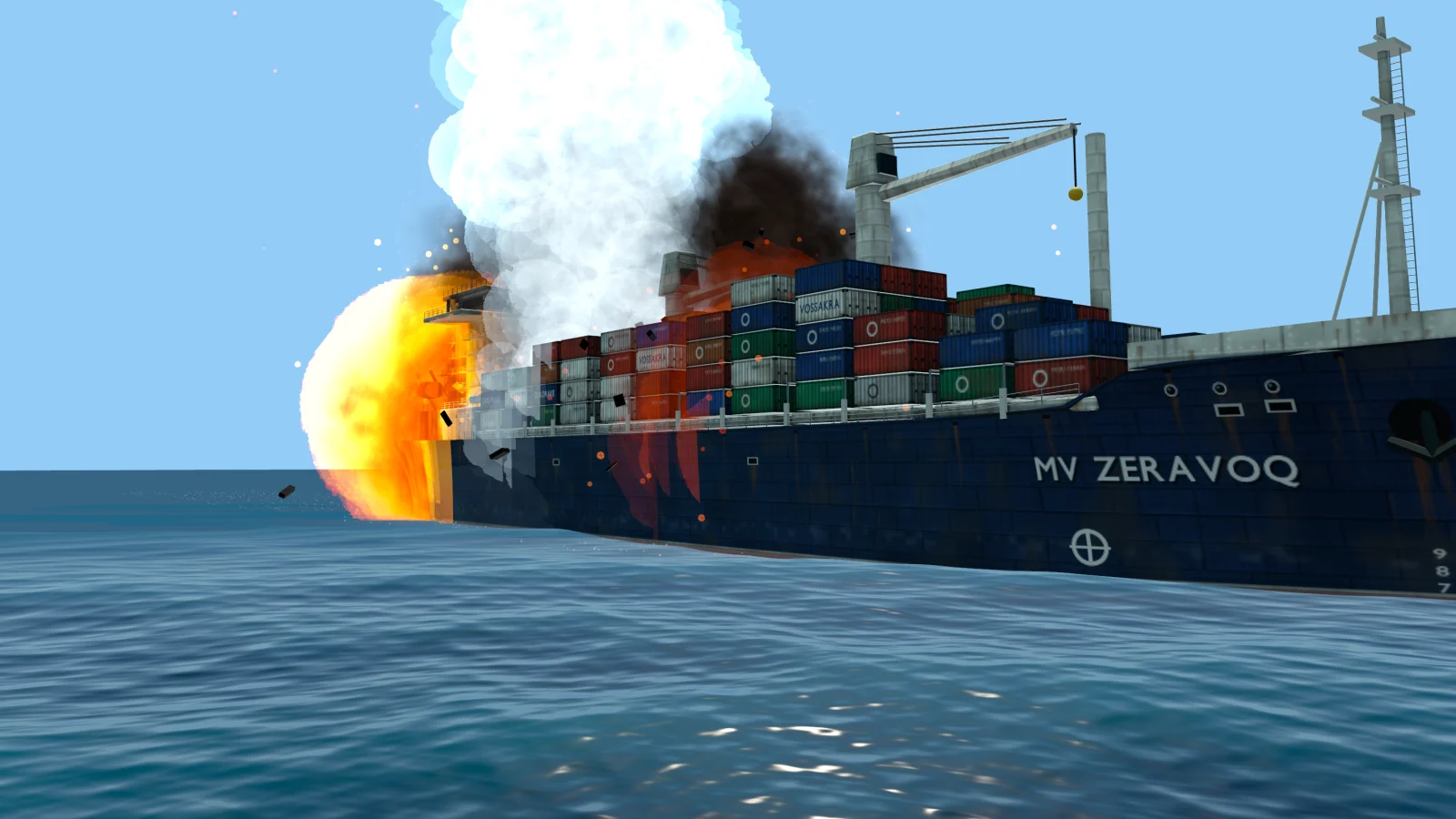
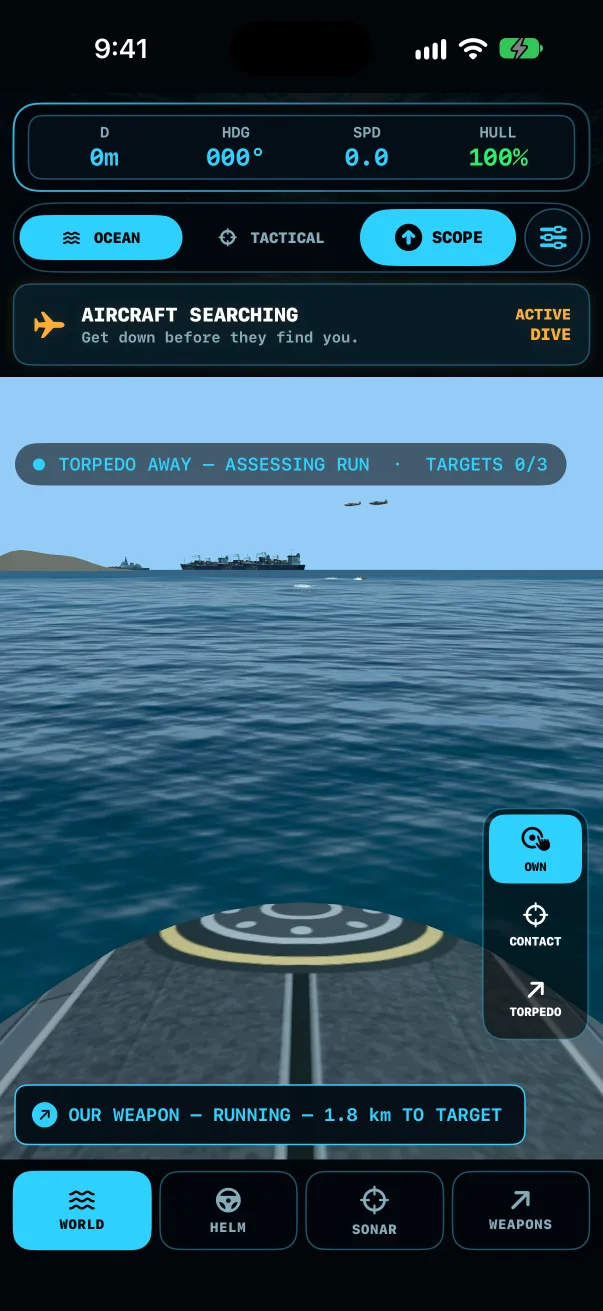
Your boat, their ships and the aircraft that come looking. Captured in the game's own 3D engine, with the camera moved in close.
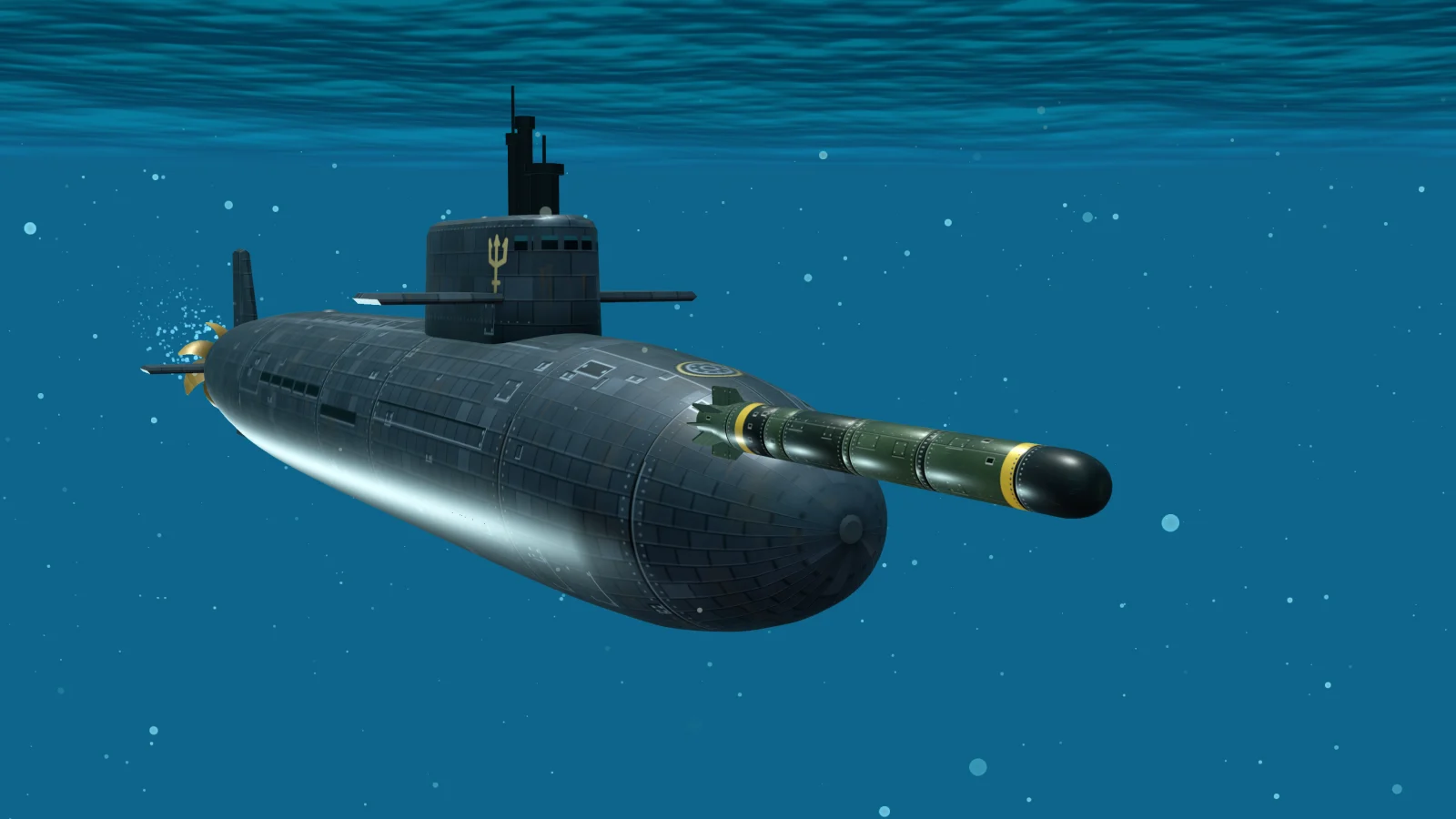
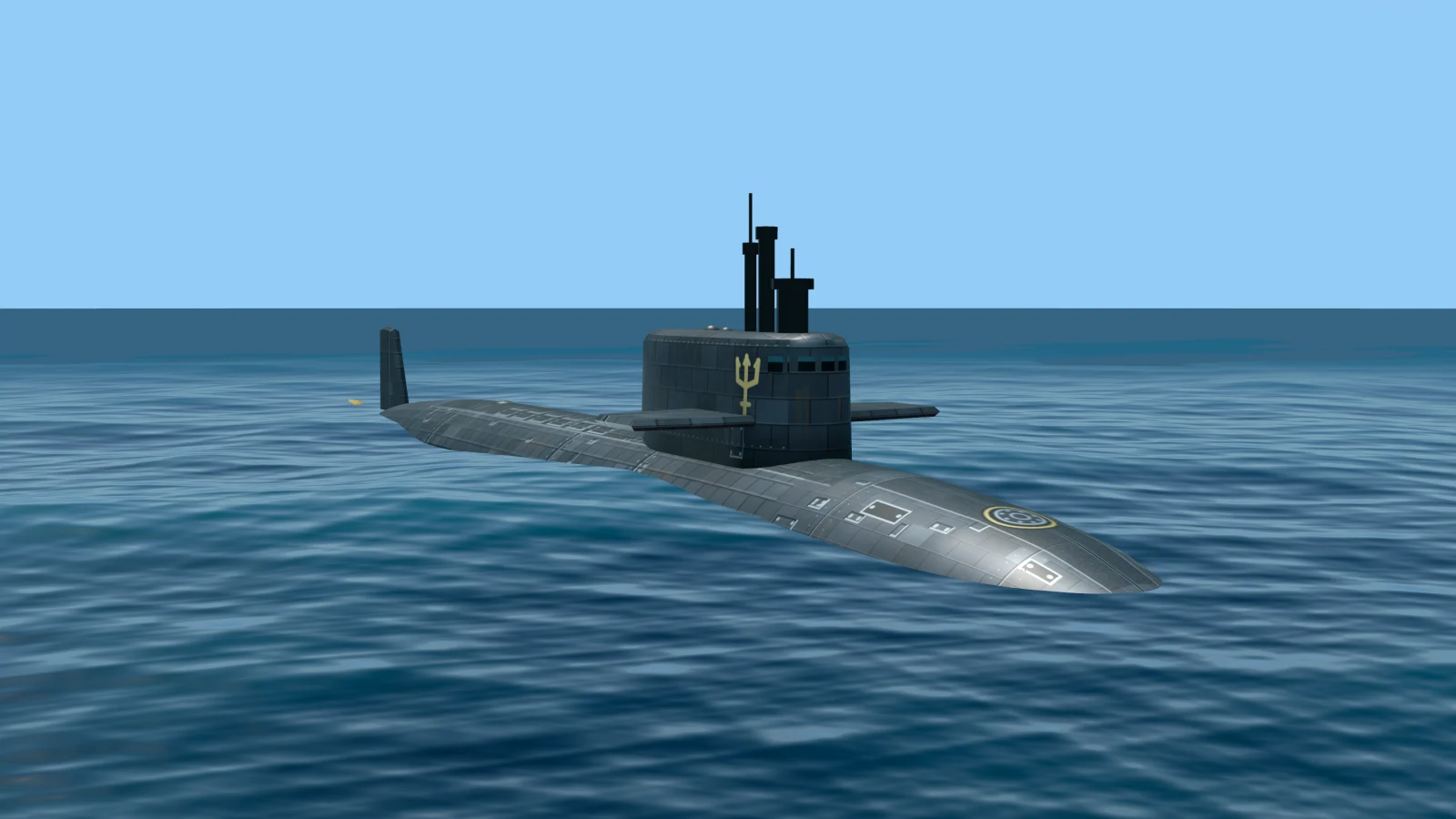
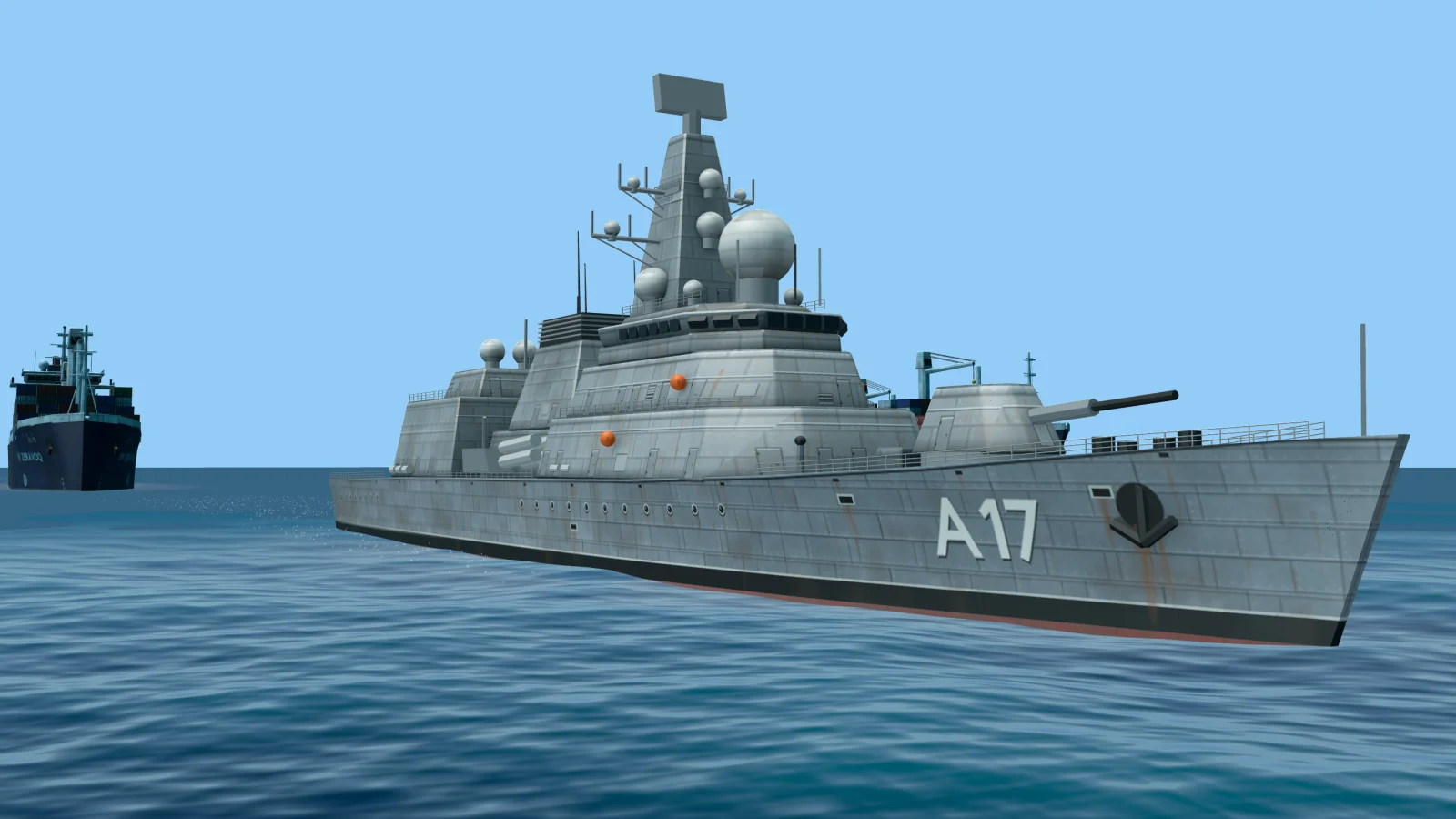
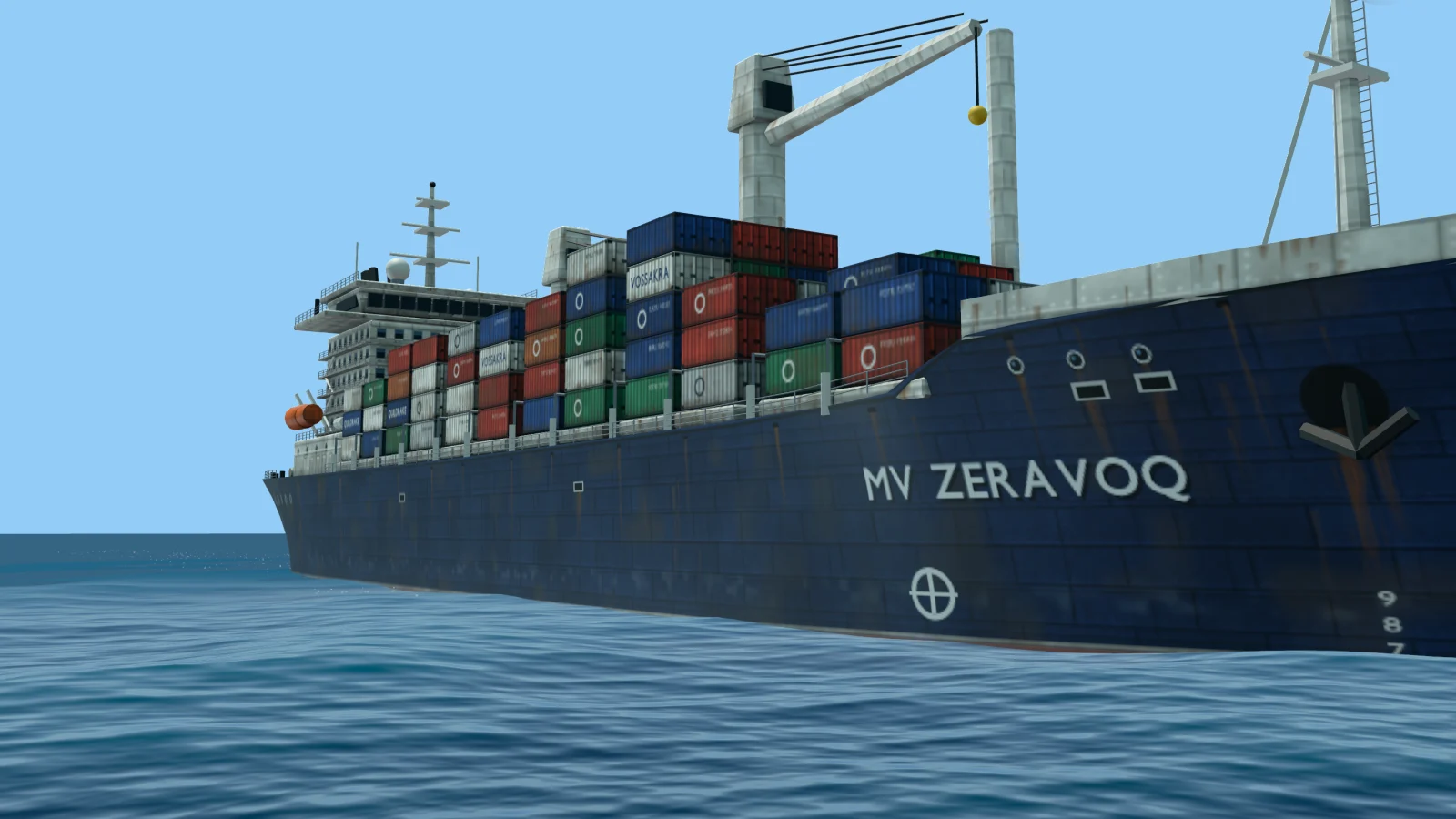
Built for iPhone Duo
The game changes shape with your iPhone Duo. Open it and the sea sits above the fold with your command stations below, so you can watch your boat while you give the orders.
The full game on the outer screen. Fold it shut in the middle of a patrol and carry on.
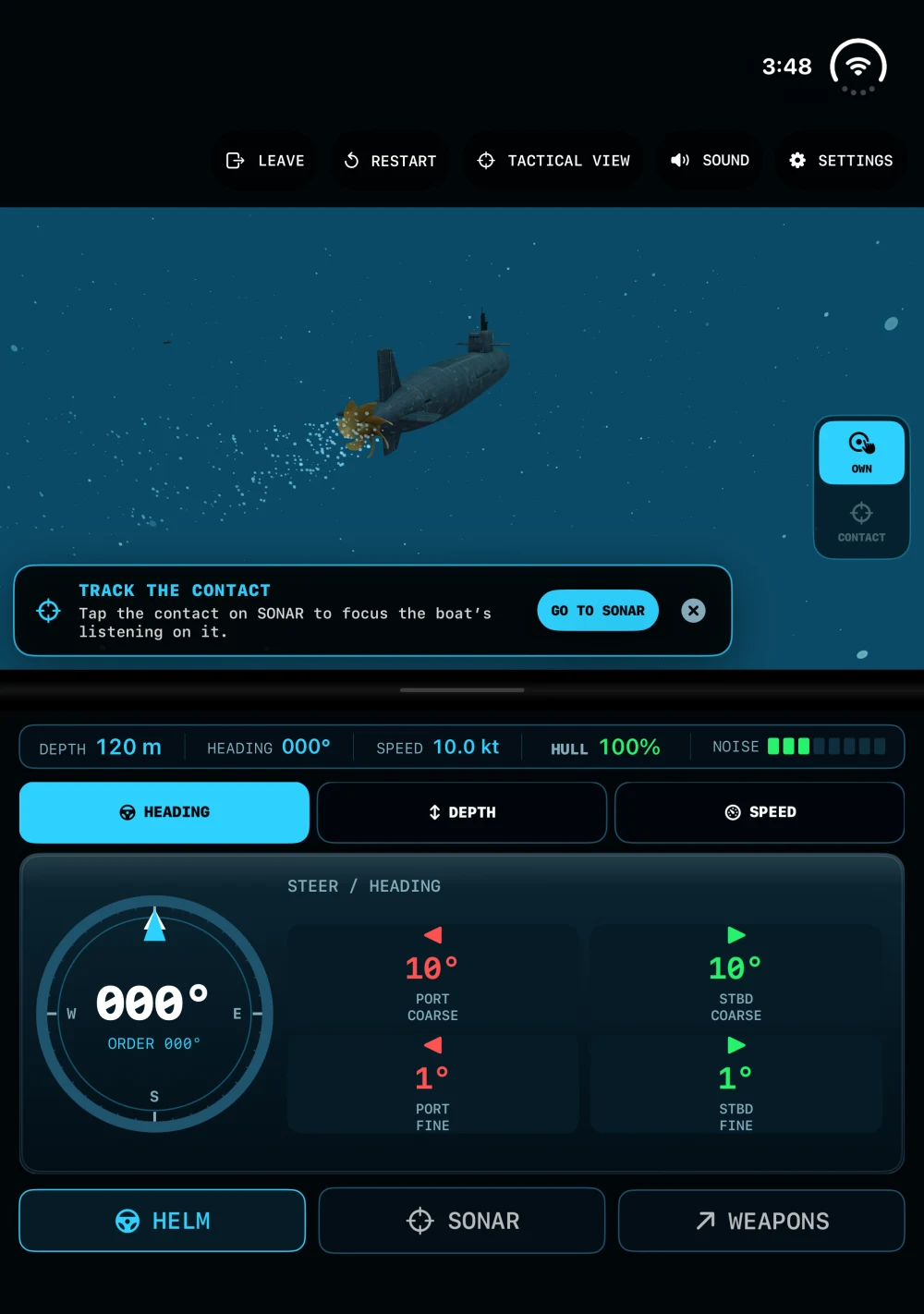
Sea above, command below. Steer, listen on sonar and fire without losing sight of the water.
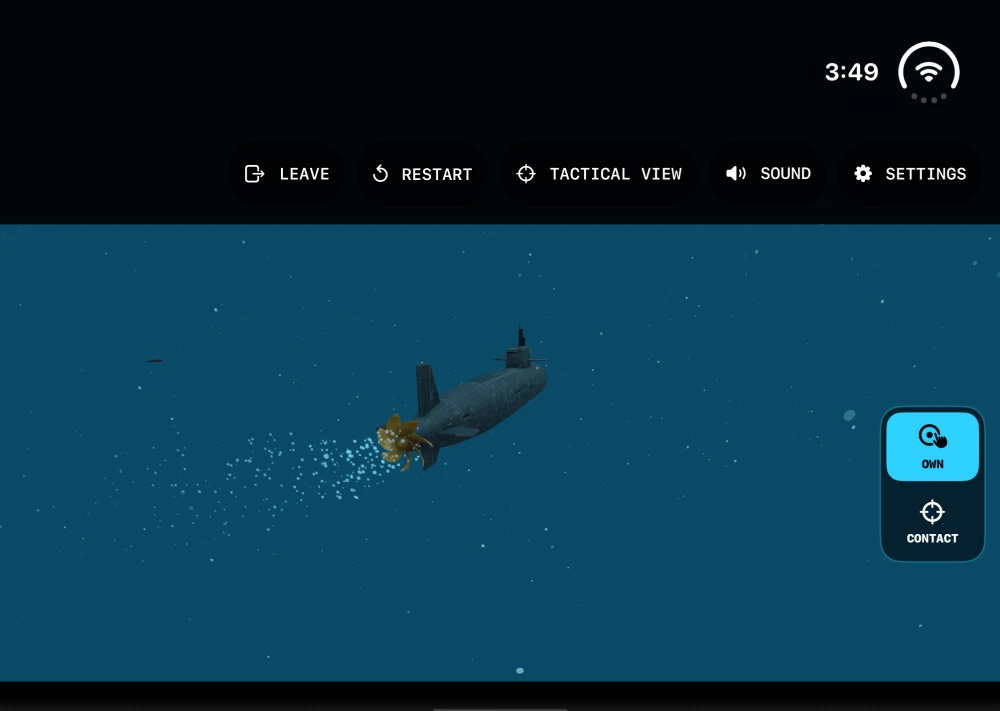
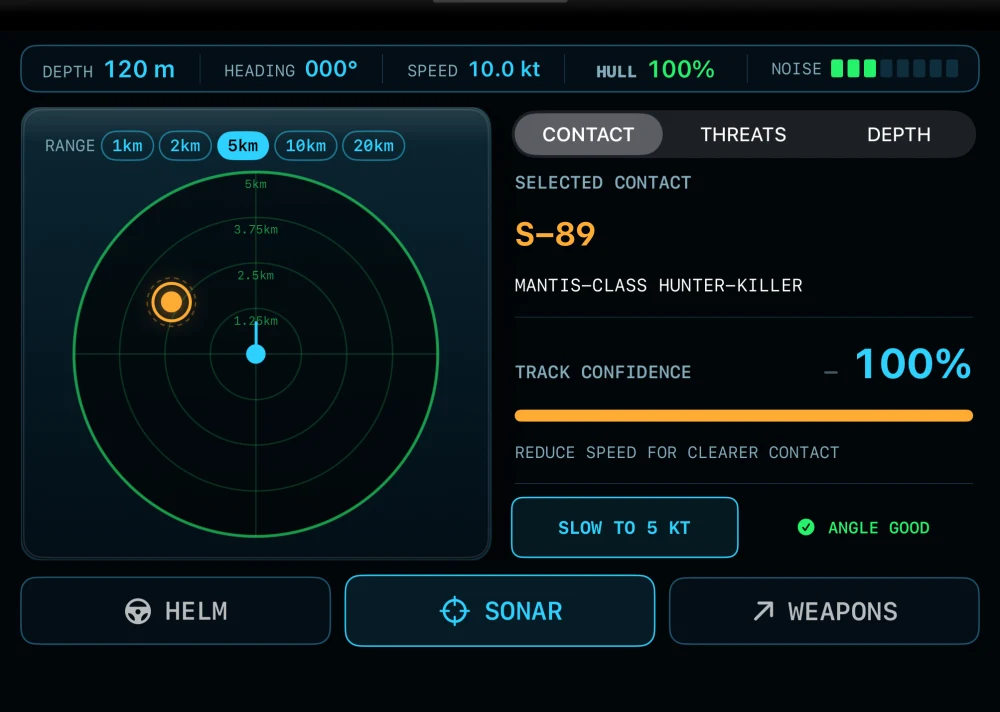
The game divides along the fold. Set it down and run your boat like a console.
Hold the open screen upright to play
How a patrol unfolds
Helm, sonar and weapons work together. The better the picture you build, the better your chance when you commit.
Listen on passive sonar. Slow down and stay quiet while a faint trace becomes something you can identify.
Set heading, depth and speed to improve your firing solution without giving yourself away.
Prepare a tube and fire. Then watch the torpedo run, and be ready to evade the reply.
At sea
Each patrol asks something different of you and your boat.
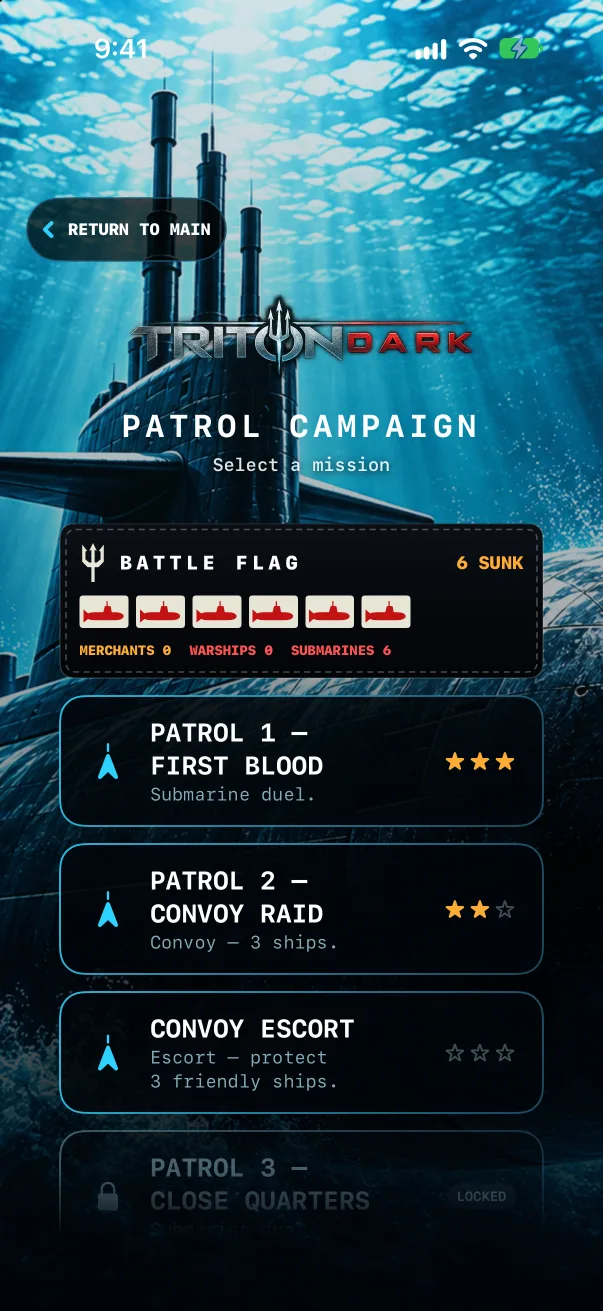
Hunt an enemy boat that is listening for you. Drop a decoy, turn hard and change depth when a torpedo comes back.
Intercept merchant ships, alone or guarded by warships carrying depth charges.
Protect friendly ships from a submarine, and check your target before you fire.
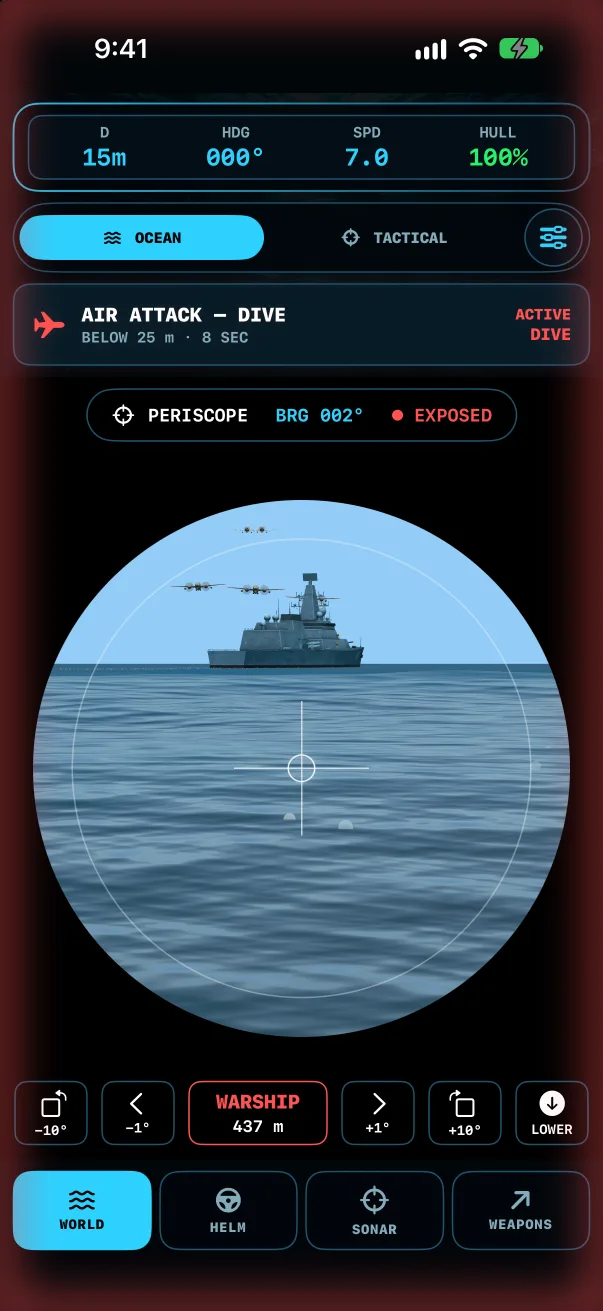
Come up to 18 metres or shallower for a look. It confirms what sonar can't, but a raised scope can be noticed.
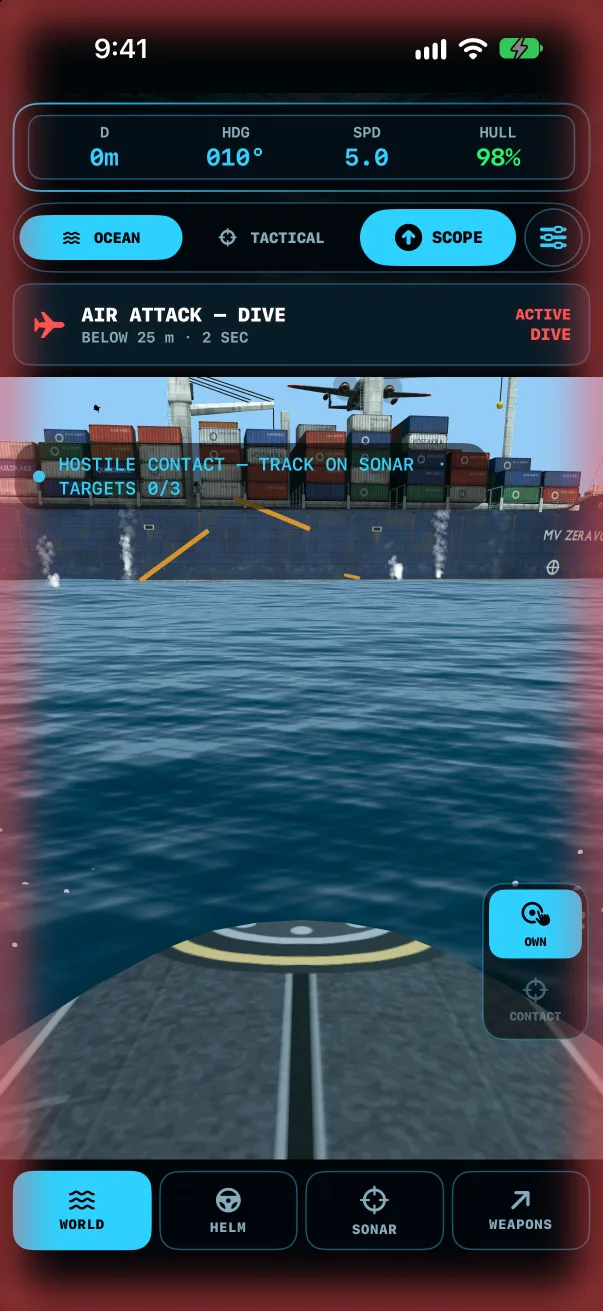
Armed ships defend themselves, and aircraft may catch a boat near the surface. A warning gives you time to dive.
Earn up to three stars on a patrol, and bring the boat home to add your sinkings to the flag.
When you surface close in
Close on a convoy on the surface and its defence builds: first the ships' guns, then fighters, then a helicopter. You can dive away, or hold your course and ram. Both choices have a price.
Guided lessons
A coach takes you through one step at a time, from your first contact to a final live-fire qualification.
Aboard
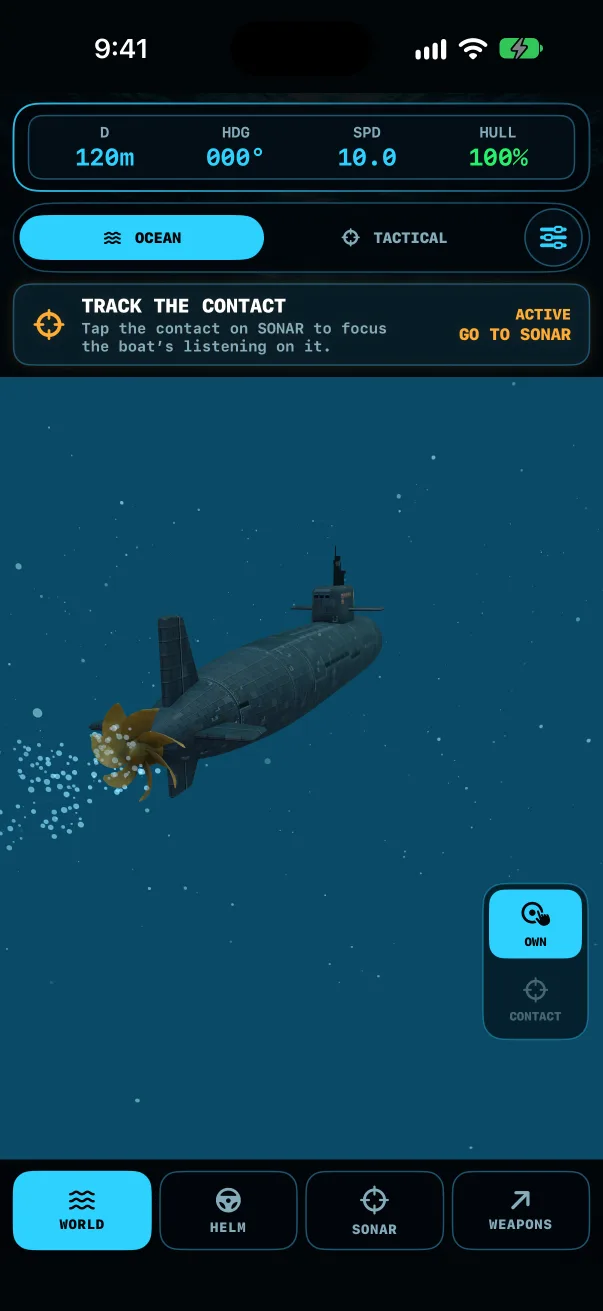
Try it, then decide
Play the opening patrols and lessons at no cost. One purchase opens the rest.
One-time purchase · No subscription · No ads
Coming soon to iPhone, iPad and iPhone Duo · iOS 18 or later
Questions? Visit Support